What it does
Built for the medicine cabinet everyone shares.
Made for aging eyes, busy caregivers, and anyone who's ever squinted at 6-point type to find a dosage.
01
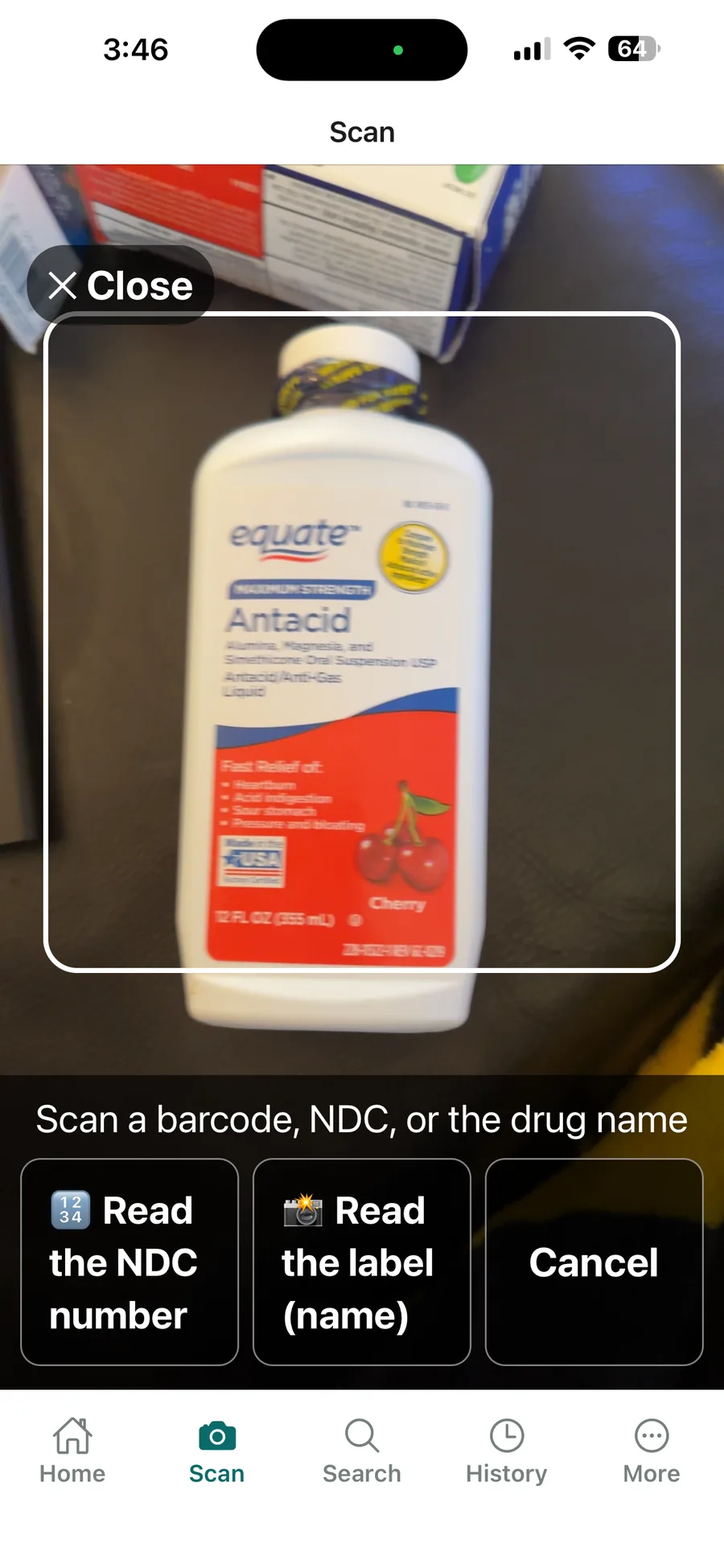
Scan any bottle
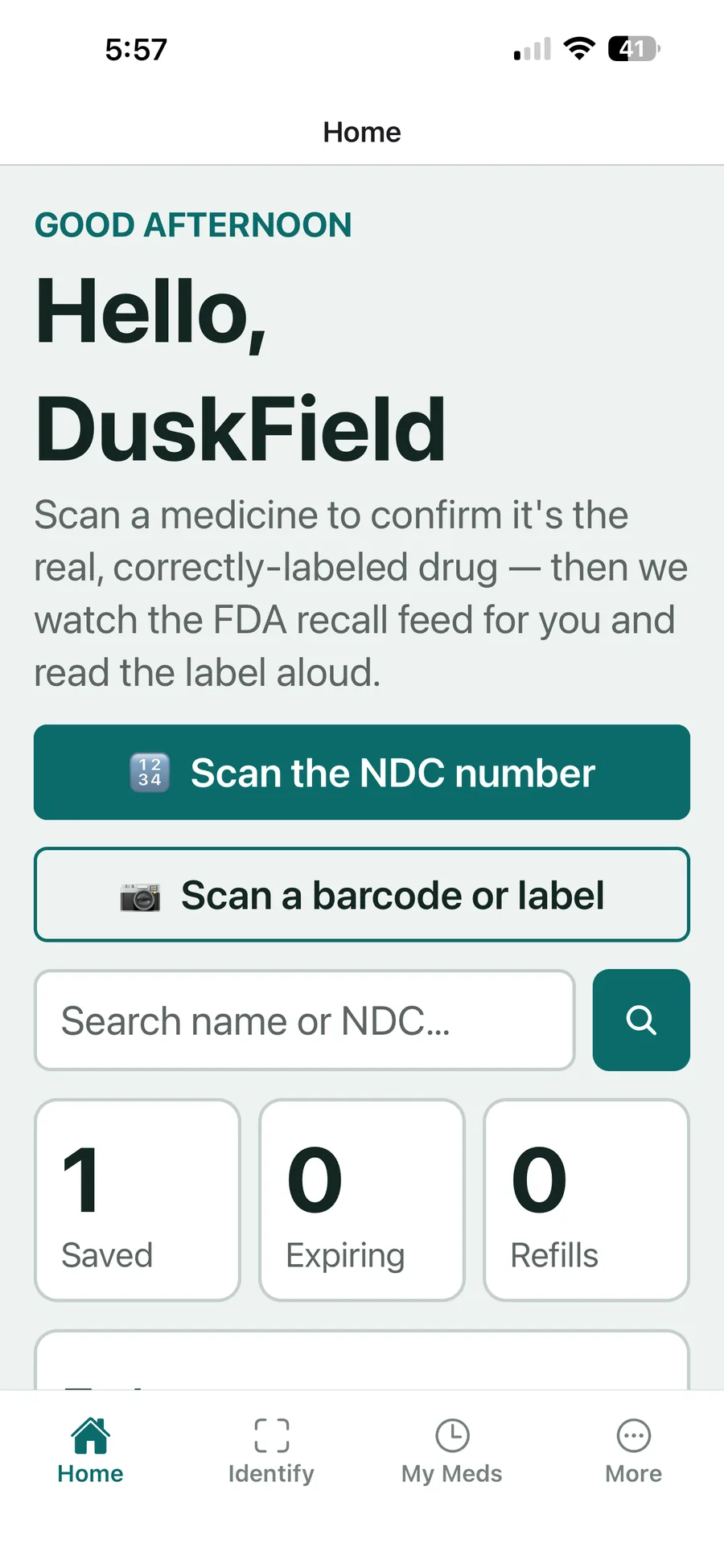
Camera on the bottle, label on the screen — in seconds. Or just type the name; every drug in the FDA directory is searchable.
02
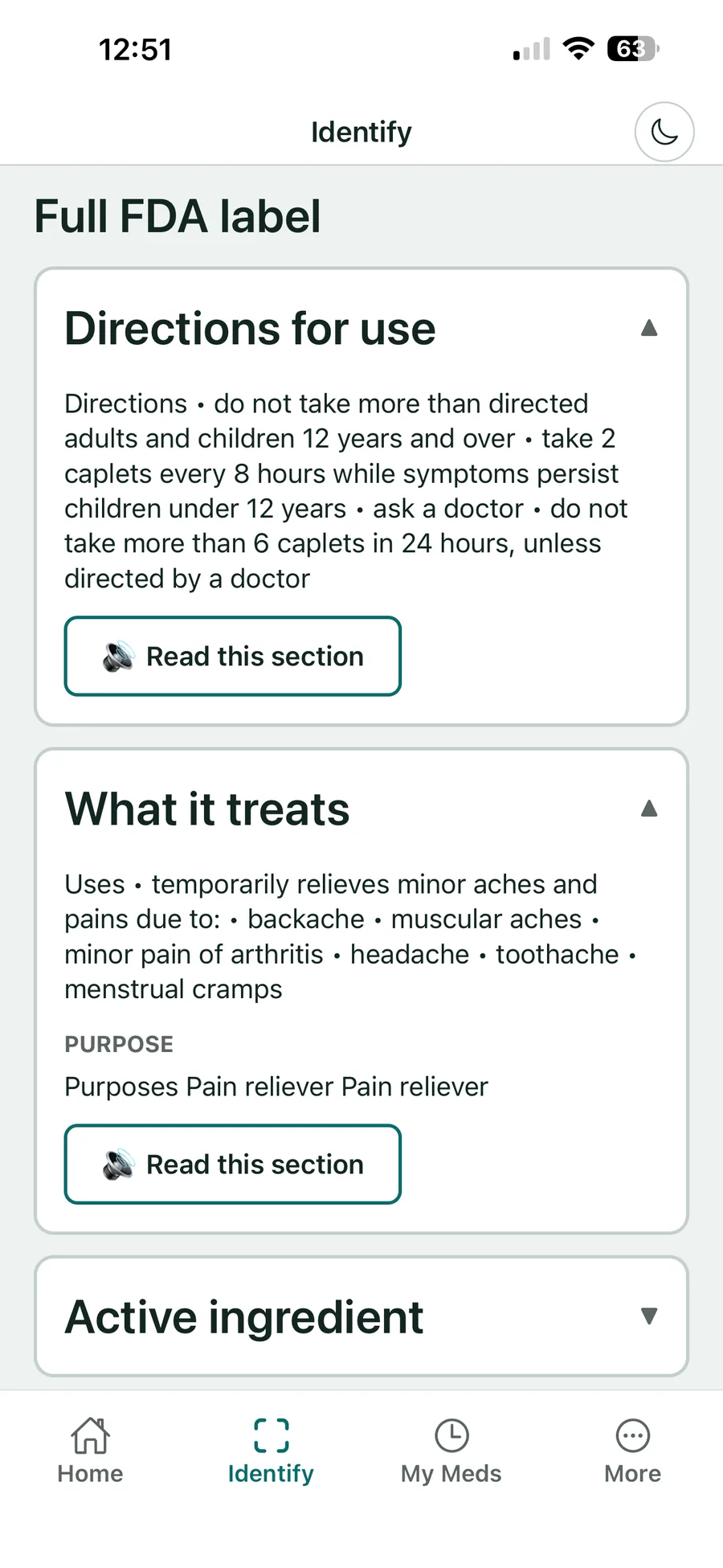
Large type, read aloud
The real FDA label — not a summary — in big, high-contrast text. One tap and the phone reads it to you.
03
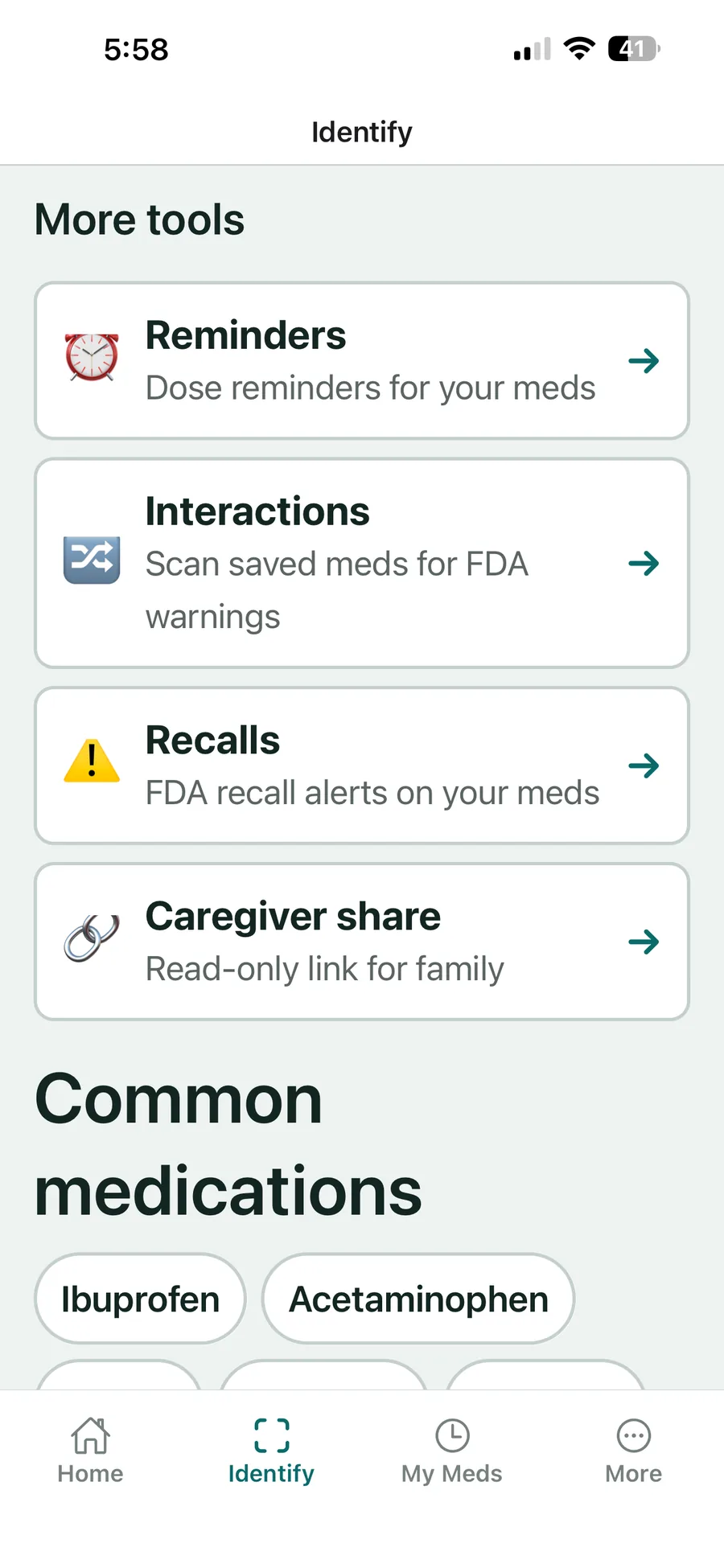
Interaction checker
Add what you take, and new medicines get checked against it — before the first dose, not after.
04
Recall alerts
If a saved medicine gets recalled, you hear about it from the app — not from a news story three weeks later. When the recall names specific lot numbers, we check yours.
05
Share with a caregiver
Send a private, read-only link so a family member or caregiver can see your medication list — without sharing your password or your account. Tag each medicine with who takes it, then filter the list down to one person.
06
Import from your pharmacy
Bring in the prescription export your pharmacy gives you — a spreadsheet or CSV file — and add those medicines without typing each one. You review every row before anything is saved.
07
Find any medicine
Brand name, generic, active ingredient, or NDC code — type any of them and it figures out the rest.
08
A magnifier built in
Six-point type on a curved bottle? Zoom in with the built-in magnifier until the NDC is sharp — then scan or type it.
09
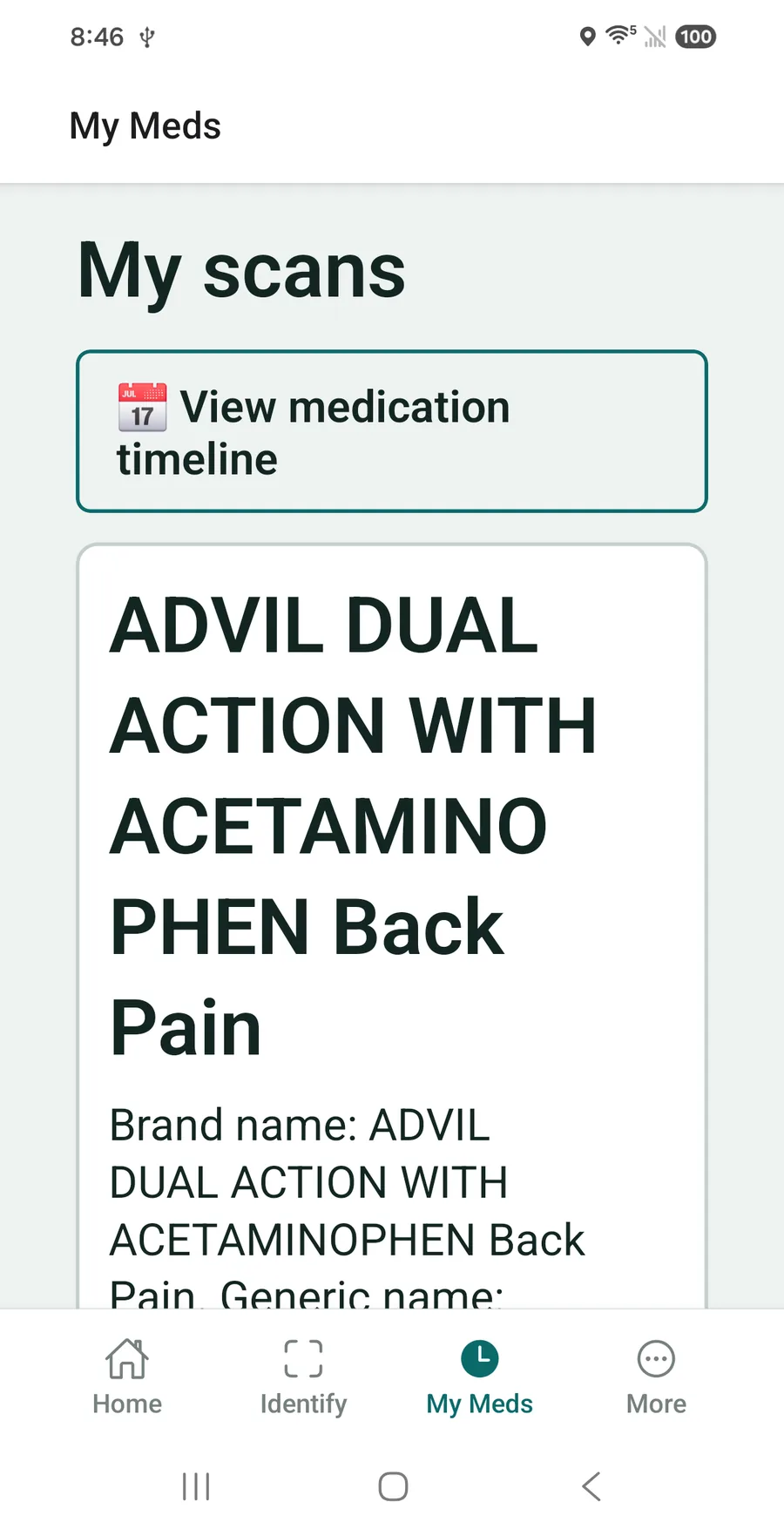
Your meds, remembered
Every scan is saved with its full label — brand, generic, dosage form — plus a medication timeline of everything you have saved.
Questions
Before you scan.
The things people ask before they download it.
Where does the data come from?
From the U.S. FDA's openFDA National Drug Code (NDC) Directory and enforcement/recall datasets. Every result shows its source and the date it was retrieved. Always confirm against the physical label.
Is this medical advice?
No. VerifyDrugLabel is an informational and accessibility tool. It reads and verifies label data — it does not interpret it, diagnose, or tell you whether a medicine is safe for you. Consult your pharmacist or doctor for that.
Do you store photos of my medicine?
No. When you scan or photograph a label, the image is used to extract the code/text and is never stored on our servers. We keep the NDC and the extracted text in your history — not the picture.
What does it cost?
Every account starts with a 7-day free trial with full access. After that, choose weekly ($2.99), monthly ($5.99), or yearly ($39.99). Cancel anytime during the trial and you won't be charged.
Does it work on my phone and computer?
Yes — iPhone, iPad, Android, and the web, with your saved history synced across them. On mobile, subscriptions are handled through the App Store or Google Play.
Can I share my medication list with family?
Yes. You can generate a private, read-only link so a caregiver or family member can see your saved medications without needing your account.
See it in action
Straight from the app.
Read first
The guide behind VerifyDrugLabel — useful whether you install it or not.