
What it does
Nine things most trackers get wrong — handled by default.
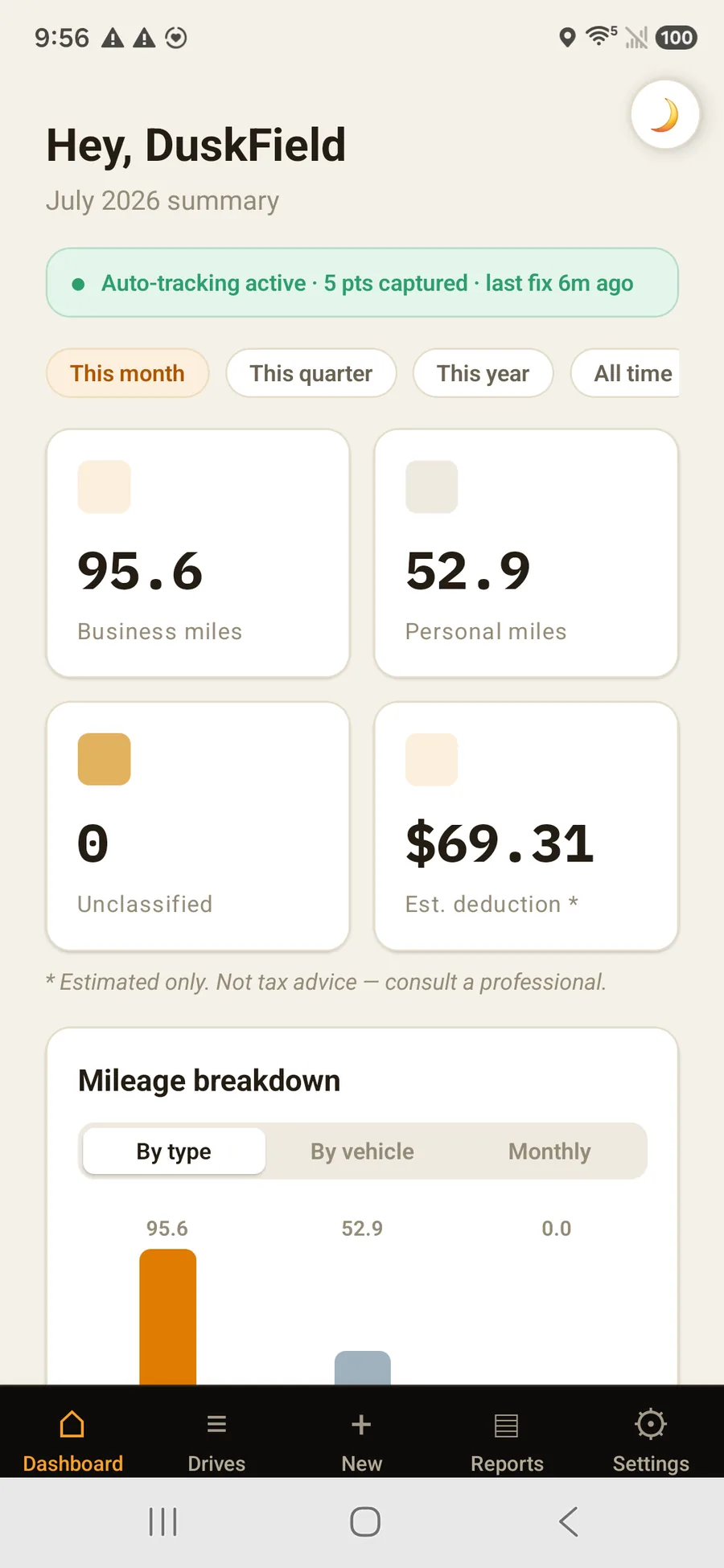
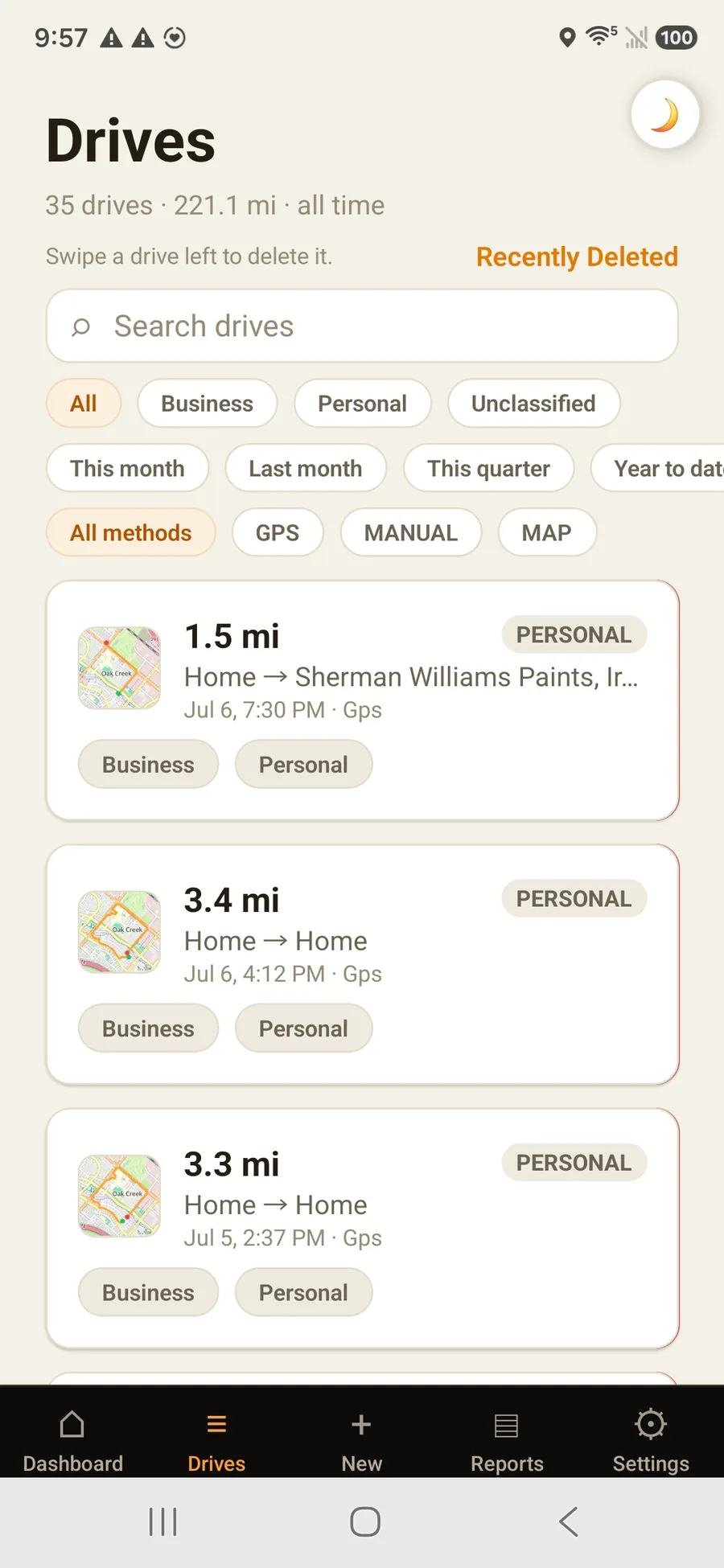
Every drive captured, stitched, sorted, and recorded without you lifting a finger.
01
Route planning
Upload your customer list, tick today's stops, and get the shortest order to drive them. Twenty-eight stops went from 2,065 miles to 240. Import a spreadsheet or a Salesforce export, then navigate stop by stop.
02
Smart pause & merge
A coffee stop or a long light shouldn't shatter one trip into five. OdometerIQ pauses, then merges it back into a single clean drive.
03
Odometer-photo record
A weekly nudge to snap your dashboard. Each photo is read automatically and filed with your logs as a tidy, dated record.
04
Multi-gig work profiles
Run every gig from one phone. Tap a profile to switch its rate, stats, and filters — Uber, DoorDash, and your own business each keep their own.
05
Pattern auto-classification
OdometerIQ learns your recurring routes and pre-labels new drives as they arrive. The Tuesday 9 a.m. commute classifies itself.
06
Standard-rate reports
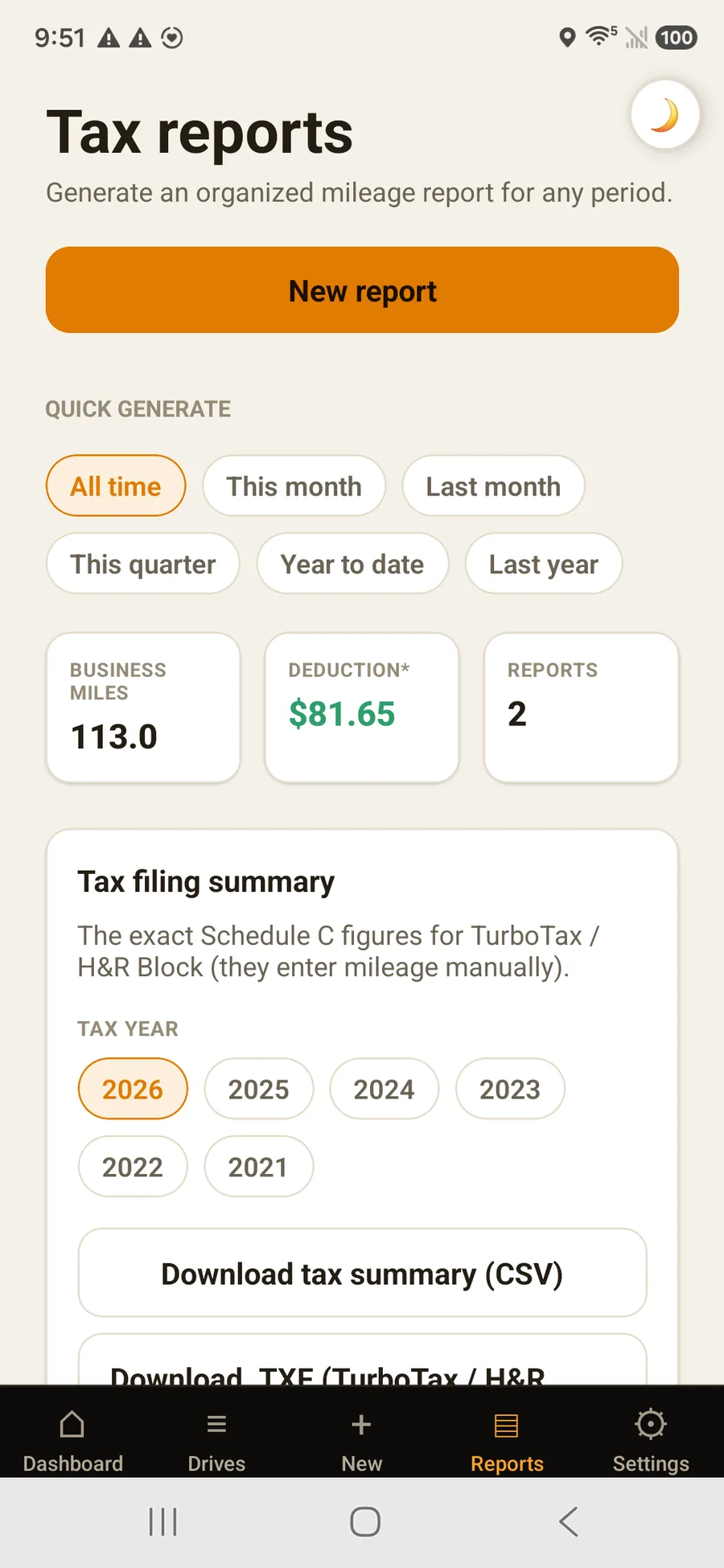
Reports apply the 2026 standard mileage rate of $0.725/mi by default, with per-profile overrides when a local or company rate applies.
07
Reconstruct past drives
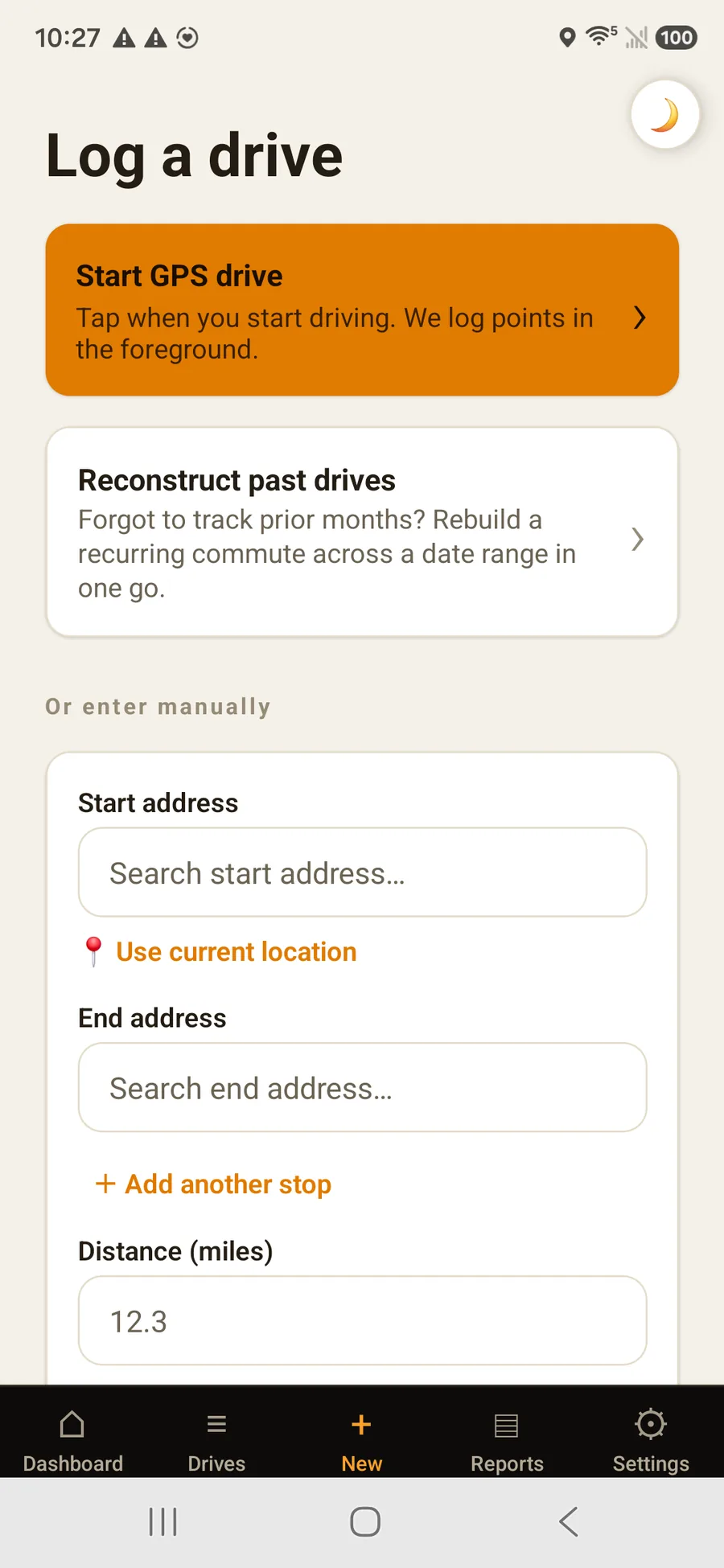
Forgot to track for months? Enter a recurring trip once, pick the date range, and OdometerIQ rebuilds a drive for every matching day — clearly marked as a manual estimate.
08
Grouped round trips
Multi-stop days stay organized: legs group into one trip with a combined map. Reorder, edit, or reclassify any leg without breaking up the journey.
09
One-click report export
Tax season is a single button — a ZIP with a branded PDF log, every odometer photo, receipts, and a machine-readable CSV summary.
For teams & businesses
Mileage for the whole team — rolled up and reimbursed.
Employers, fleets, and small businesses get organized team mileage without chasing spreadsheets. Same fair price per seat as individuals — no enterprise upcharge.
- Every member’s business miles roll up into team totals and a reimbursement figure at your company rate
- One organization, many teams — permission roles plus custom titles like “Field Rep” or “Regional Lead”
- Invite drivers by email with a role, title, and team; their mileage flows straight into team reports
- Per-driver breakdowns export as CSV or PDF, ready to file or reimburse
Q2 team report
Team business mi
1,240.6
Drivers
6
Reimbursement
$899.44
Questions
Before your first drive.
The things people ask before they download it.
What is OdometerIQ?
OdometerIQ is an automatic mileage tracking app that logs every drive in the background, sorts business from personal, keeps an odometer-photo record, and exports organized, tax-ready mileage reports you can share with your accountant. It is a record-keeping tool, not a tax-advice service.
What mileage rate does OdometerIQ use?
Reports apply the 2026 standard mileage rate of $0.725 per business mile by default, so every estimate is miles × $0.725. You can override the rate per vehicle or per work profile when a local or company rate applies.
How much does OdometerIQ cost?
OdometerIQ is $6.99 per week, $12.99 per month, or $99.99 per year (about 36% less than paying monthly). Every plan is the full product — unlimited drives, auto-classification, report export, and multi-vehicle support — and every new account starts with a 7-day free trial.
Do I need a credit card to start the free trial?
No. The 7-day free trial starts with just an email and password. If you cancel during the trial, you are never charged.
Who is OdometerIQ for?
Gig and rideshare drivers, the self-employed, accountants who file on behalf of clients, and businesses, employers, and fleets that need team mileage and reimbursement records — anyone whose vehicle is a business expense and who needs a clean, auditable mileage log.
Can my accountant use the reports?
Yes. Every report exports as a dated PDF plus a machine-readable summary, so accountants and tax pros can drop the figures straight into tax software without re-keying anything.
Does OdometerIQ work for teams and businesses?
Yes. You can create a shared organization, group drivers into teams, give each member a permission role and a custom title, and invite members by email. Each driver's business miles roll up into team totals and a reimbursement figure at your company rate, with per-driver reports you can export as CSV or PDF. Teams are one simple plan billed per seat — the same fair price as individuals ($6.99 per week, $12.99 per month, or $99.99 per year, per seat), everything included with no enterprise upcharge. Every member gets full access.
Can my employer see my personal drives?
No. Personal drives are never visible to your employer — a company only ever sees driving you classify as business, and only from your time as a member of that team. Trips from before you joined stay private, and you control what's shared: you can add an earlier business drive yourself, and reclassifying a drive as personal removes it from your team's view instantly.
Private by design
Your personal drives stay yours.
Joining a company should never hand your employer your whole life on the road.
- Personal drives are never visible to your employer — only drives you classify as business can appear
- A company sees business driving from your time on the team, not trips from before you joined
- You control what’s shared: add an earlier business drive yourself, or reclassify one personal and it drops out instantly
- Routes and addresses are encrypted at rest. Export or delete your data anytime — you own it
Read first
The guides behind OdometerIQ — useful whether you install it or not.